Check the case appointments
Review hearings, meetings, filings, and other scheduled work from the case’s own Appointments tab.
For solo practitioners in the Philippines
Start with the appointments attached to a case, then check its client details and documents. Solo adds invoice creation, charge tracking, and payment records when you need them.
Case view · Appointments tab
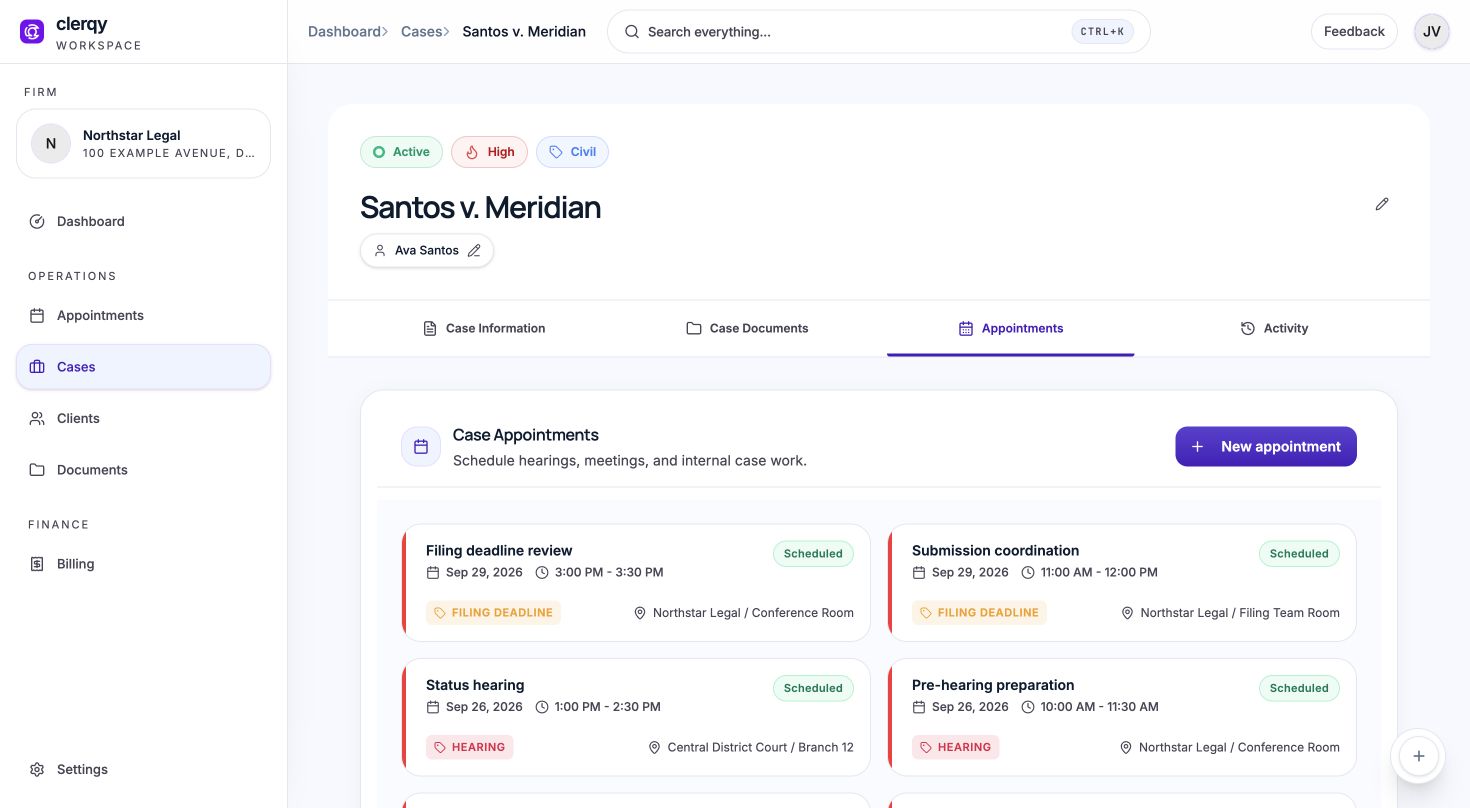
A day’s work, linked to its case
Follow a practical sequence for one case: check its scheduled work, open client and case context, find document records, and review billing.
Review hearings, meetings, filings, and other scheduled work from the case’s own Appointments tab.
Move from the appointment to the client record and the case details you need to review.
Review related file records, physical-file status, and links to selected Google Drive files.
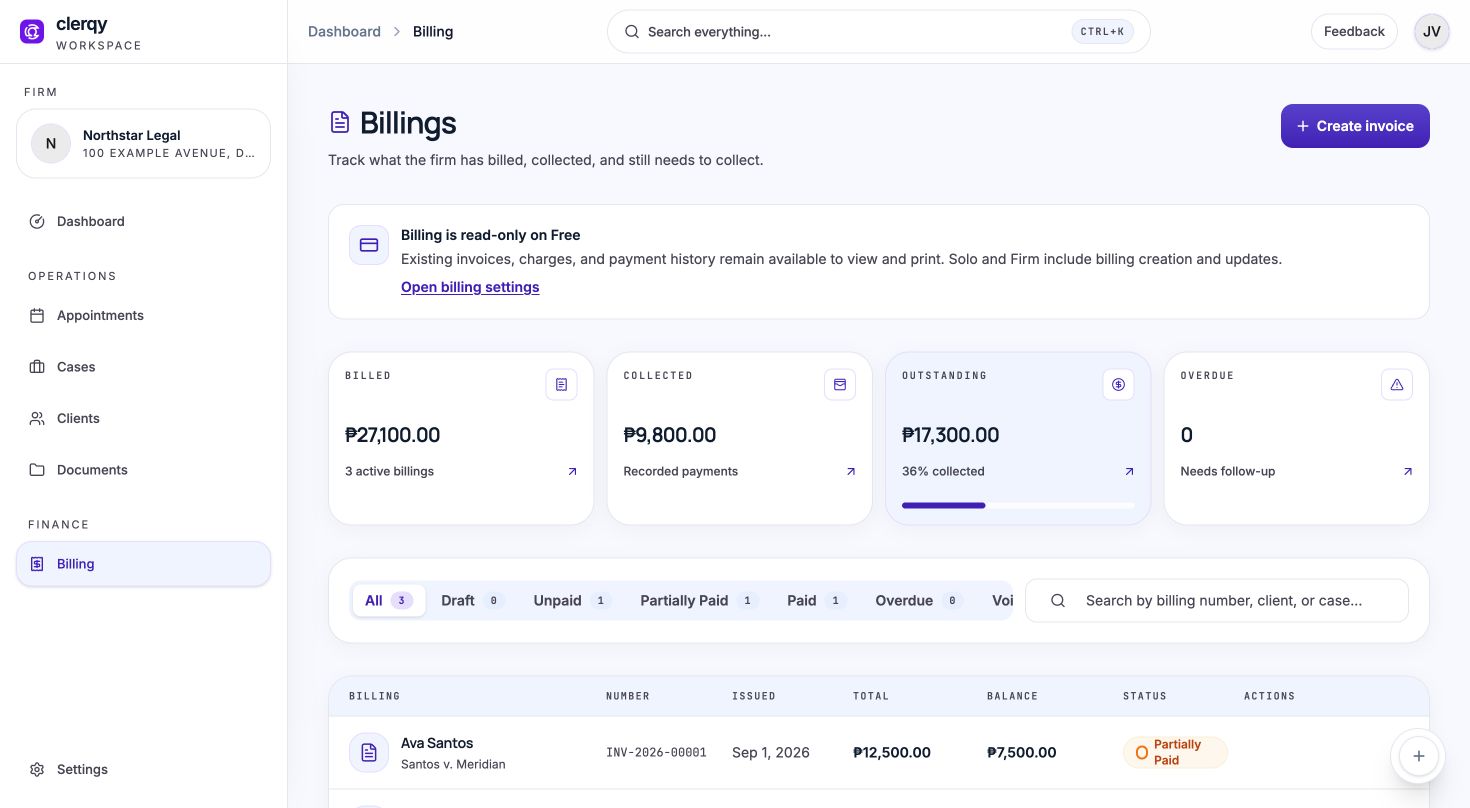
Free includes read-only billing history. Solo adds invoice creation, charge tracking, and recording payments reported as received.
Two plans for a one-person practice
Both plans include the connected case workspace. Solo adds billing workflows and more capacity for active cases and hosted files.
Free
₱0per month
For organizing everyday case work.
Included capacity
1 user · 5 active cases · 1 GB Clerqy-hosted storageSolo
₱1,499per month
For a solo practice that needs billing workflows.
Included capacity
1 user · Unlimited active cases · 100 GB Clerqy-hosted storageBoth plans include unlimited client records, appointments, and document records.
Solo billing workflows
On Solo, create invoices, track charges, and record payments reported as received. Clerqy does not authorize or process client payments.
Sync runs one way from Clerqy to Google Calendar. Edits made in Google Calendar do not sync back.
Linked Drive file contents stay in Drive and do not count toward Clerqy-hosted storage.
Clerqy-hosted files count toward the storage limit and have a 50 MiB per-file maximum. Clerqy records payments reported as received; it does not authorize or process client payments.
Start with Free
Start with Free for cases, clients, appointments, and documents. Choose Solo when you need invoice creation, charge tracking, and payment records.
Organize a solo practice